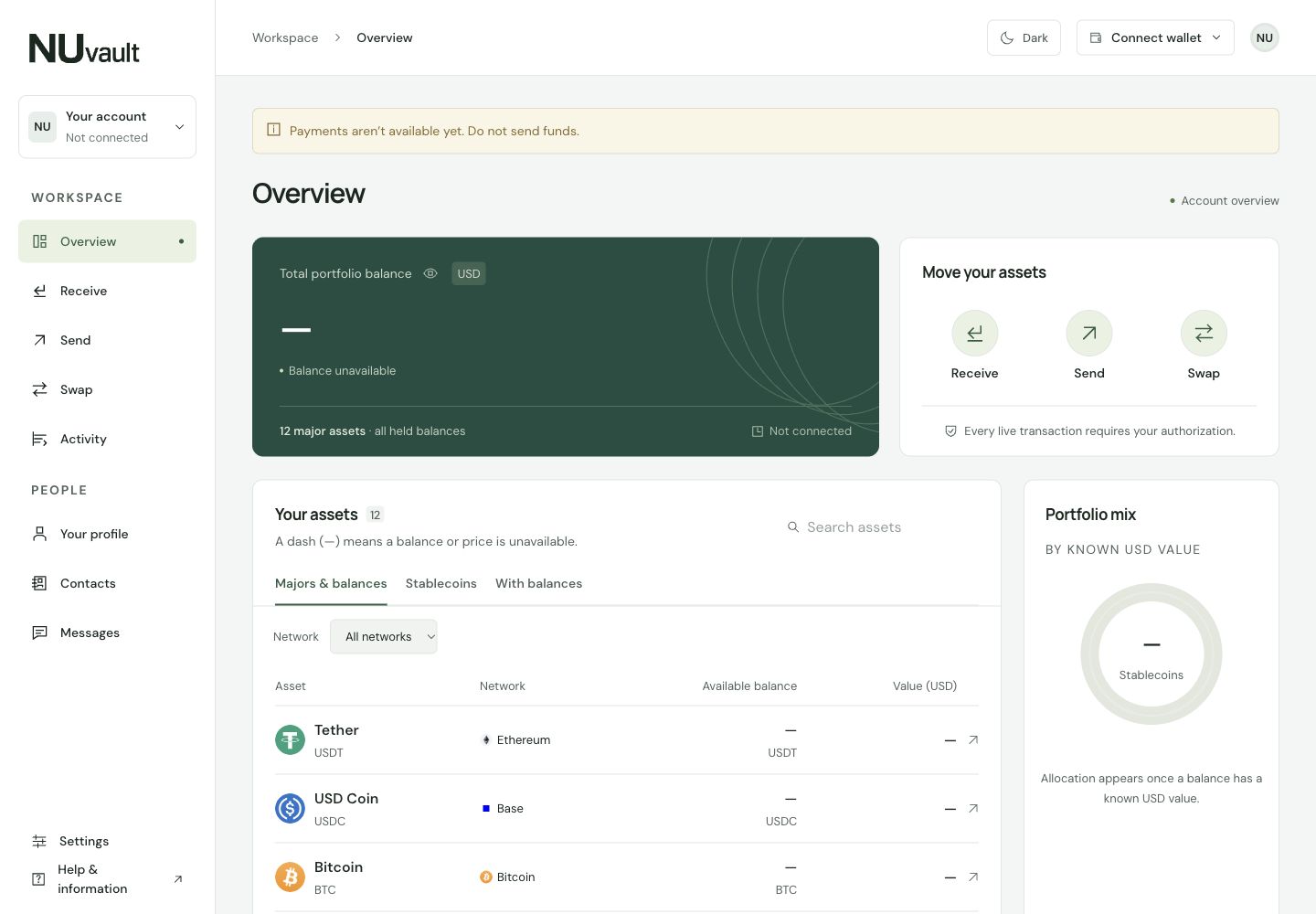
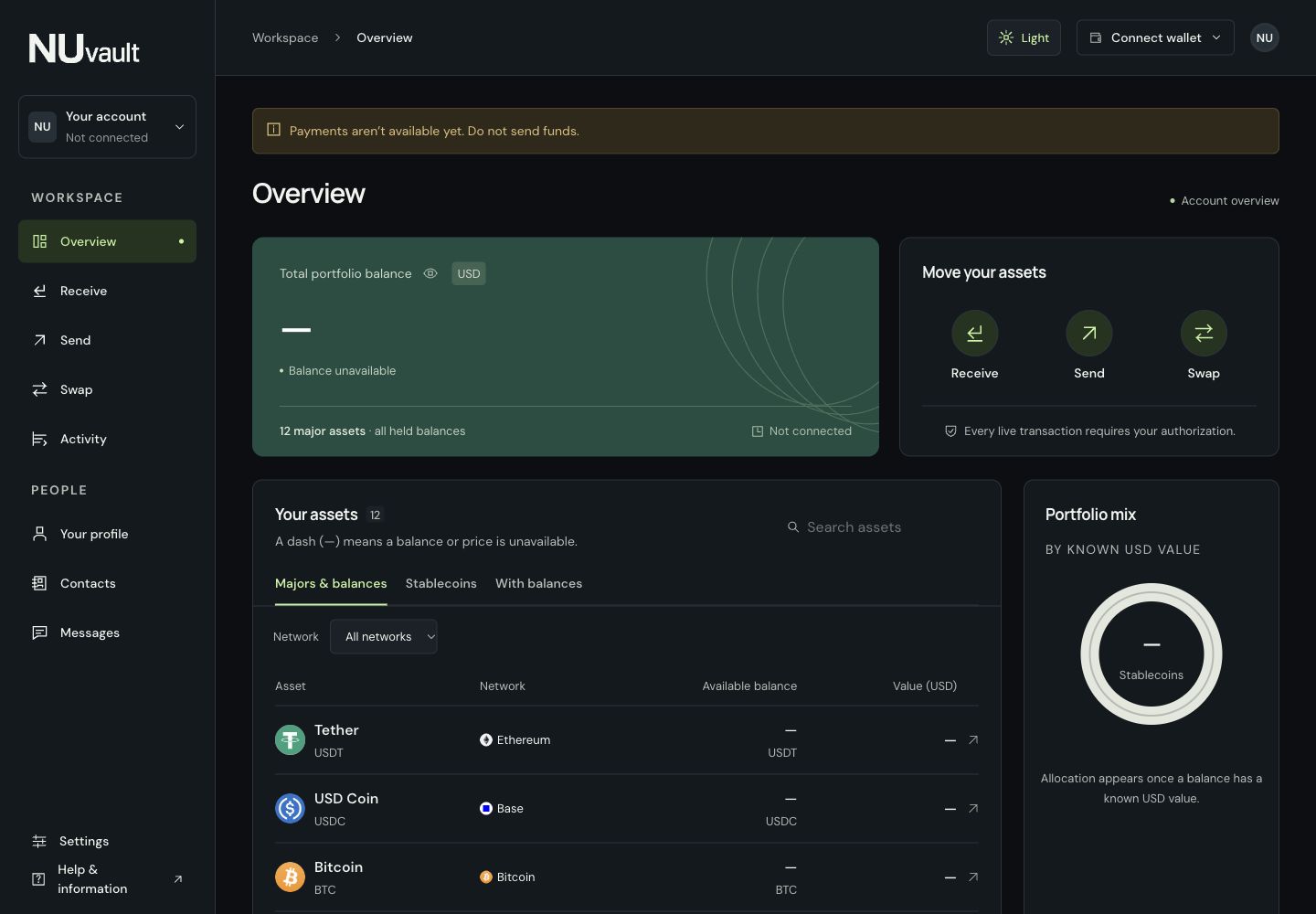
Create an address for the asset and network you choose. Share it with the sender, and the funds arrive in your NUvault balance without you giving out your main wallet address.
Choose an asset and network
Share the receiving address
Track the deposit in your account
Private payments
Pay another NUvault member by their .nu name, from your private balance to theirs. You can also withdraw to a wallet address on a supported network; those withdrawals are visible on the public network.
Choose a .nu name or wallet address
Review the recipient, amount and fees
Approve the payment with your wallet
Cross-chain swaps
Choose the crypto you have and the asset you want, even when they use different networks. Review the quoted amount, minimum you’ll receive and fees before approving the swap.
Choose the assets and networks
Review the quote and fees
Receive the swapped asset in your balance
Your .nu name is your payment name.
Choose a name like alex.nu for your NUvault account. People can find you and send payments without asking for your wallet address.
Use one name for payments and conversations.
Keep your wallet address out of name searches.
Add friends and choose who can message you.
Example username
alex.nu
Your name connects people to your NUvault account.
A .nu name works within NUvault. It isn’t a blockchain domain.
Secure encrypted messaging
Conversations with your .nu contacts, designed for end-to-end encryption. Review transfer details together and choose who can message you.
Encrypted messaging is being prepared. Demo conversations are local, unencrypted previews.